How to remove your home photos from Zillow
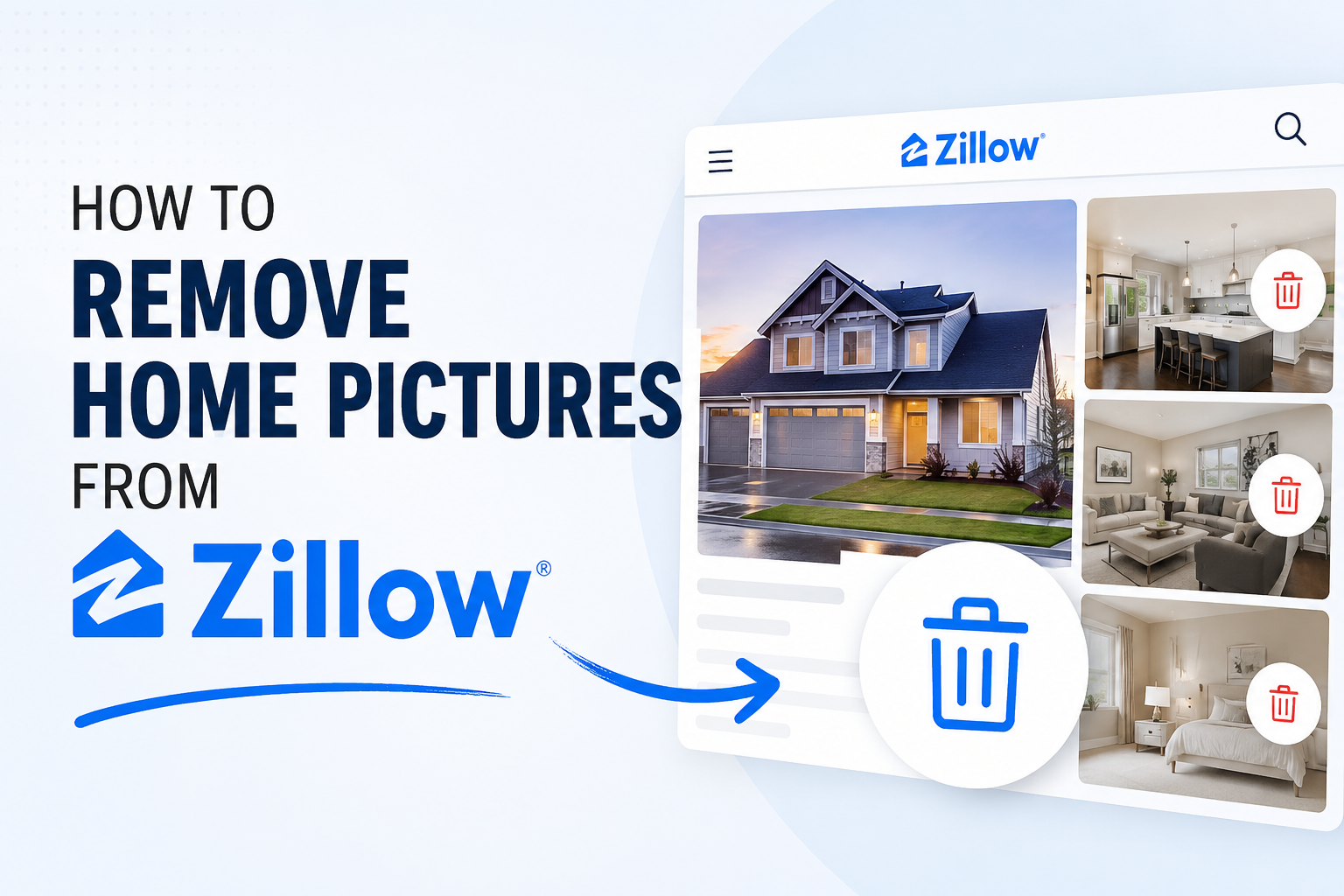
To remove photos of your home from Zillow, claim your home to gain owner access, then use the "Edit Facts" option in the Owner View to delete or hide images. Alternatively, you can contact the original listing agent to request they remove the photos from the MLS, which feeds into Zillow. [1, 2, 3, 4]
Steps to Remove Photos Yourself:
Sign in to your Zillow profile.
Search for your address and view the property page.
Click the More tab and select Claim your home.
Verify ownership via the on-screen prompts.
Go to your profile icon, select Your Home, and click on your home's tile.
Select Edit Facts from the Owner View.
Click on individual photos and select Remove Photo, or select Delete all photos.
Alternative Methods:
Hide Photos: Instead of deleting, you can check the box to Hide photos displayed on your home's Zillow page within the Edit Facts section.
Contact Support: If you have trouble, use the Zillow Support portal to submit a ticket.
Contact Previous Agent: The fastest way to remove photos from the source is to ask your previous real estate agent to update the MLS listing. [1, 2, 3, 4]
Note that for some off-market homes, photo editing may be unavailable if the data is solely sourced from old listings. [1]